
Table of Contents
Virtual Pro Network
Imagine you have two computers in different rooms—or even different cities—and you want them to talk to each other just like they’re sitting next to each other. Virtual networking makes that happen using software, not wires!
This article belongs to Internet & Networking
What is Virtual Networking?
Virtual networking lets computers, virtual machines (VMs), and servers connect and share data over the Internet or within a data center, even if they’re far apart.
- It works like a real (physical) network but uses software instead of cables and hardware.
- You can create, change, or move connections easily with a few clicks.
- It’s the magic behind cloud apps, online games, and remote work.
How Does Virtual Networking Work?
Think of a physical network like this: You plug computers into a switch with Ethernet cables → they talk.
Now, virtual networking does the same thing—but in software:
| Physical NetworkVirtual Network | |
|---|---|
| Uses cables | Uses software |
| Needs real switches | Uses virtual switches |
| Uses real network cards (NICs) | Uses virtual network cards |
Key Tools in Virtual Networking:
- Virtual Switch
- Acts like a real switch, but it’s software.
- Controls how virtual machines talk to each other and the Internet.
- Virtual Network Adapter (NIC)
- A fake network card inside a VM.
- Lets the VM connect to the network.
- Virtual LAN (VLAN)
- Groups computers together even if they’re on different switches.
- Or keeps computers on the same cable in different groups!
Real-Life Examples
| ExampleWhat It Does | |
|---|---|
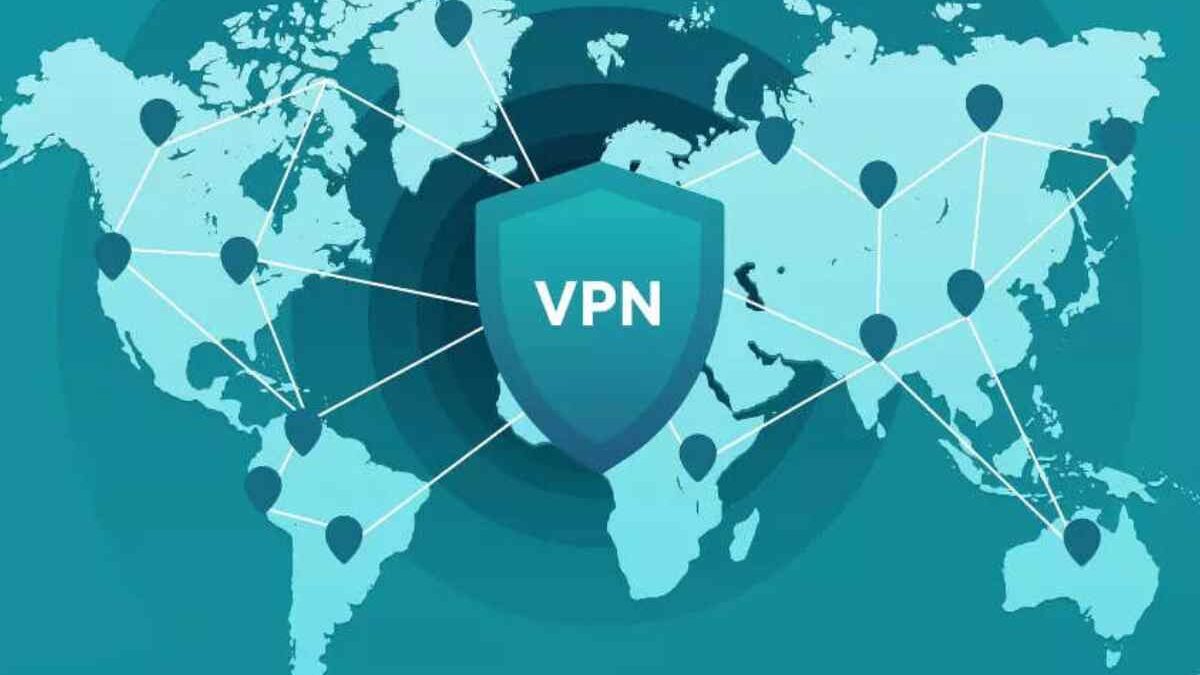
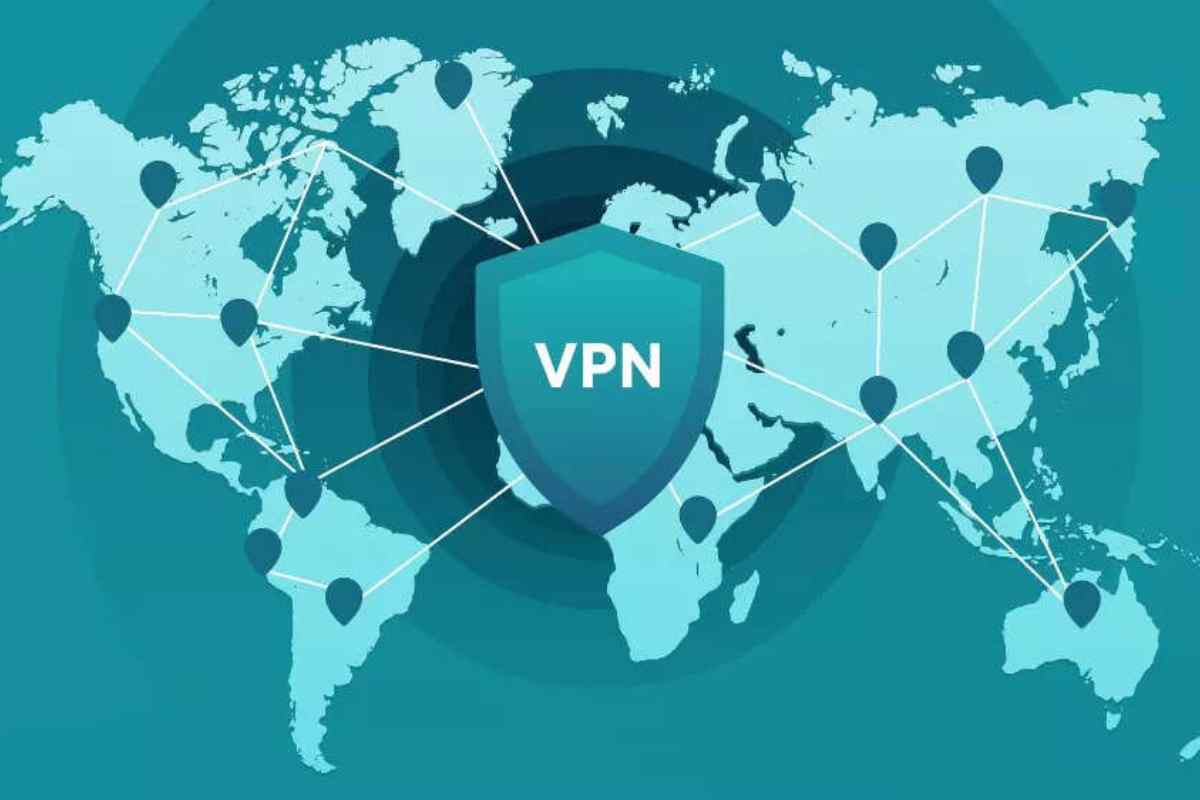
| VPN (Virtual Private Network) | Lets you securely connect to your school or work network from home. Hides your activity on public Wi-Fi. |
| VLAN | Splits one big network into smaller groups (like classes in a school). Makes things faster and safer. |
| VXLAN | Super-powered VLAN for huge cloud systems (like Netflix or Google). |
For more information about wireless connectivity and how devices communicate over networks, you can also explore Wi-Fi and Wireless Internet.
Advantages of Virtual Networking
| BenefitWhat It Means | |
|---|---|
| Saves Money | Less hardware = fewer cables and switches to buy. |
| Easier to Manage | Control everything from one computer—no running around! |
| More Flexible | Add, remove, or move devices instantly. |
| Better Security | Put firewalls on each virtual machine. |
| Faster Setup | Build a whole network in minutes, not days. |
| Scalable | Grow your network as your needs grow. |
Virtual Pro Network – Why It Matters
- Cloud apps (like Google Drive, Zoom) run on virtual networks.
- Remote workers use VPNs every day.
- Big companies save millions using virtual networking instead of miles of cables.
For additional information about broadband service systems, you can also explore Hyd-Desk Excitel.in.
If you’re interested in online privacy and related internet technologies, you can also read about Best Dark Web Sites.
For more information about virtual networking and related networking technologies, you can also refer to the Cloudflare learning resources.