Assistive Technology: People with disabilities utilize assistive technology to carry out errands that would be challenging or impossible without it.
The mobility aids like walkers and wheelchairs, as well as equipment, software, and accessories that make it easier for individuals with disabilities to use computers and other information technologies, can all be considered assistive technology.
This article belongs to Emerging Technology
Table of Contents
Examples of Assistive Technology
- People with low vision can use software that enlarges screen content, people who are deaf can use a TTY.
- And people who have trouble speaking can use a device that speaks aloud as they type on a keyboard.
- People who are blind can also use software that recites text on the screen in a computer-generated voice.
- Another illustration is using a particular mouse or a keyboard with large keys by people with poor hand function to operate a computer.
Assistive technology continues to develop alongside other areas of technology. For example, advances in mRNA technology demonstrate how modern technology can be applied in different fields, while assistive technology focuses on improving accessibility and everyday interaction for people with disabilities.
Types of Assistive Technology
Screen readers:
- The software enables persons who are blind or have other visual impairments to read the material on a computer screen.
- Examples include Voiceover for Mac, NVDA, and JAWS for Windows.
Screen magnification software:
- Permit users to alter the images and text size on the screen.
- These programs allow the user to view the enlarged text along with the rest of the screen instead of utilizing the zoom feature.
- By simulating a handheld magnifier over the screen, it is accomplished.
Text readers:
- People who struggle to understand text due to various learning difficulties use this software.
- This program will recite text aloud in a synthesized voice and highlight keywords.
- These programs read text; they do not read menus or other types of components.
Speech input software:
- It gives those who have trouble typing an alternative text entry method and operates the computer.
- Users can issue the system with a few simple commands to carry out mouse-related tasks.
- Users can instruct the system to click a link, a button, or a menu item.
- Examples include Mac or Windows versions of Dragon Naturally Speaking.
- Please be aware that some speech recognition tools available for Windows and Mac cannot be used to access the internet.
Modern technology can also provide practical solutions in other areas of everyday life. For example, smart technology for landlords shows how connected devices and technology can make different environments easier to manage and use.
Alternative input devices:
- Some users might be unable to operate a computer’s mouse or keyboard. These folks have access to a variety of gadgets, including:
Head pointers:
- A device that can push keys on a keyboard is put directly on the user’s head.
- Individuals who are powerless to use their hands utilize this device.
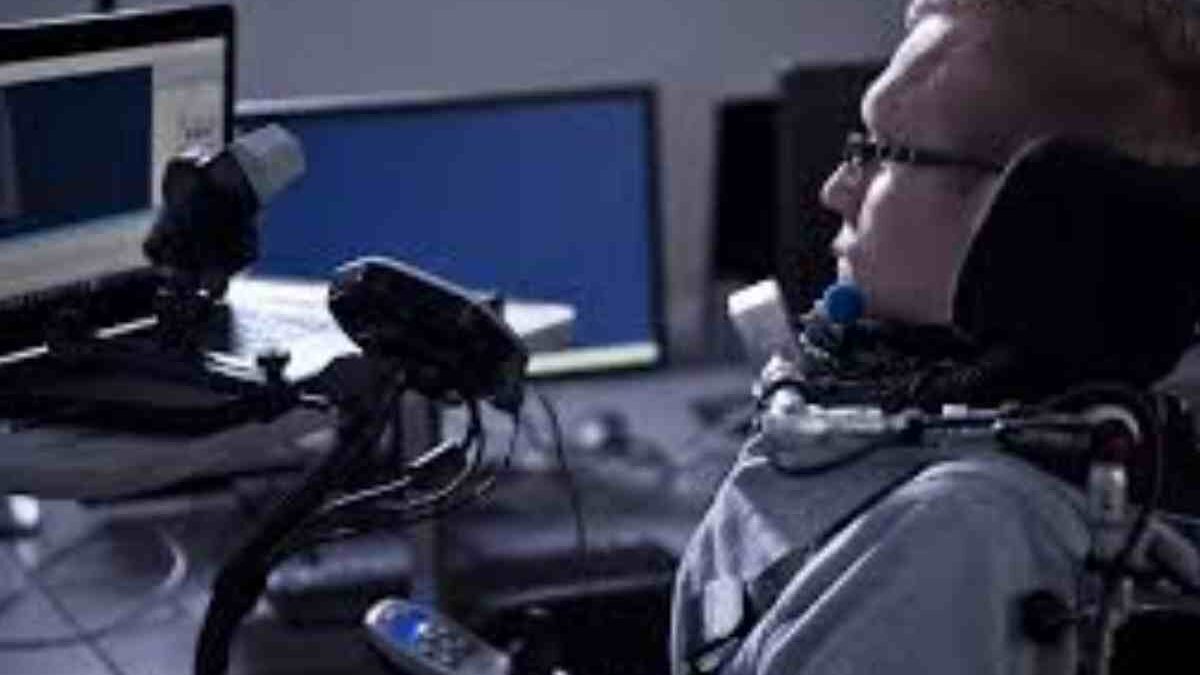
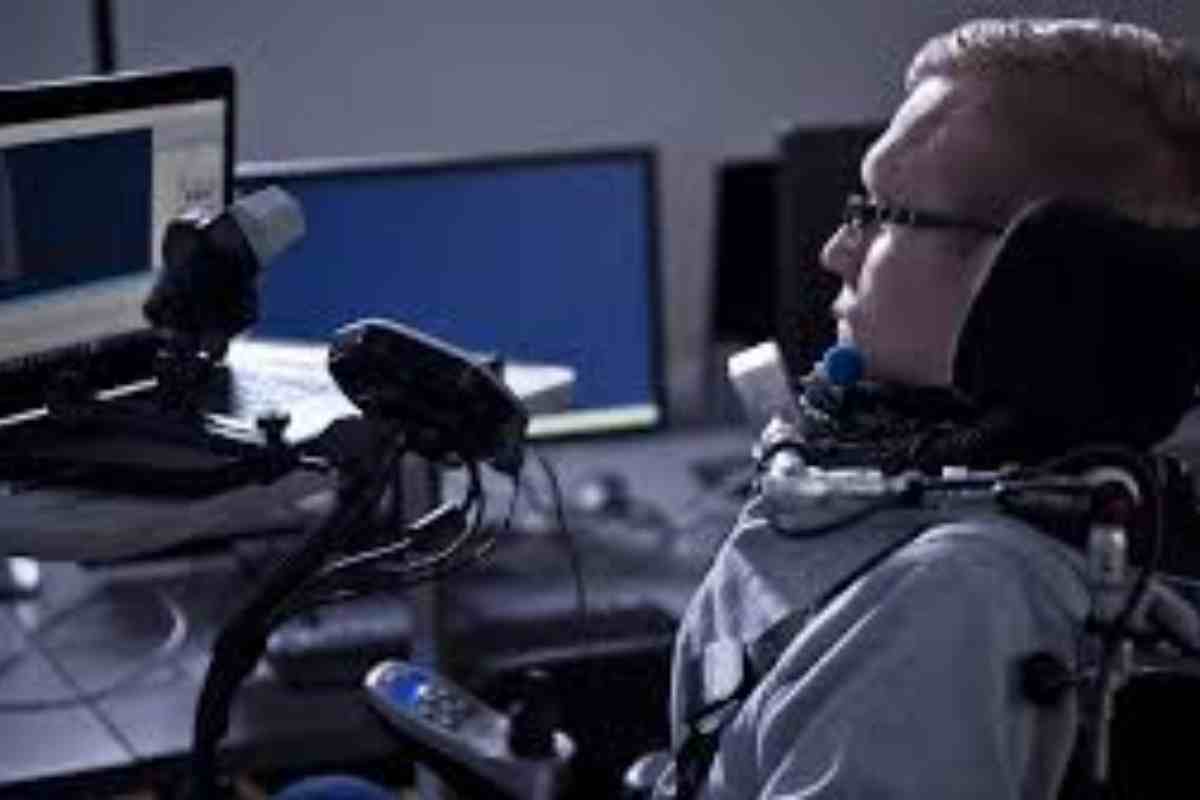
Motion tracking or eye tracking:
- Examples include devices that watch a target or even the user’s eyes to deduce where the user wishes to position the mouse pointer and move it for the user.
Single switch entry devices:
- These gadgets can be used alone or in conjunction with other input devices.
- Usually, these go with on-screen keyboards. The user clicks the switch once the desired key focuses on the on-screen keyboard’s moving pointer over the keys.
It can also work on a webpage:
- The user can scroll over the webpage with the cursor while using the switch to select a link or button that is now in focus.
For additional information about assistive technologies, accessibility, and alternative input methods, you can also refer to the W3C Web Accessibility Initiative guidance on assistive technology.
For more information about data-driven technology and its applications, you can also explore Big Data and how it is used across different technology environments.